Photographic style
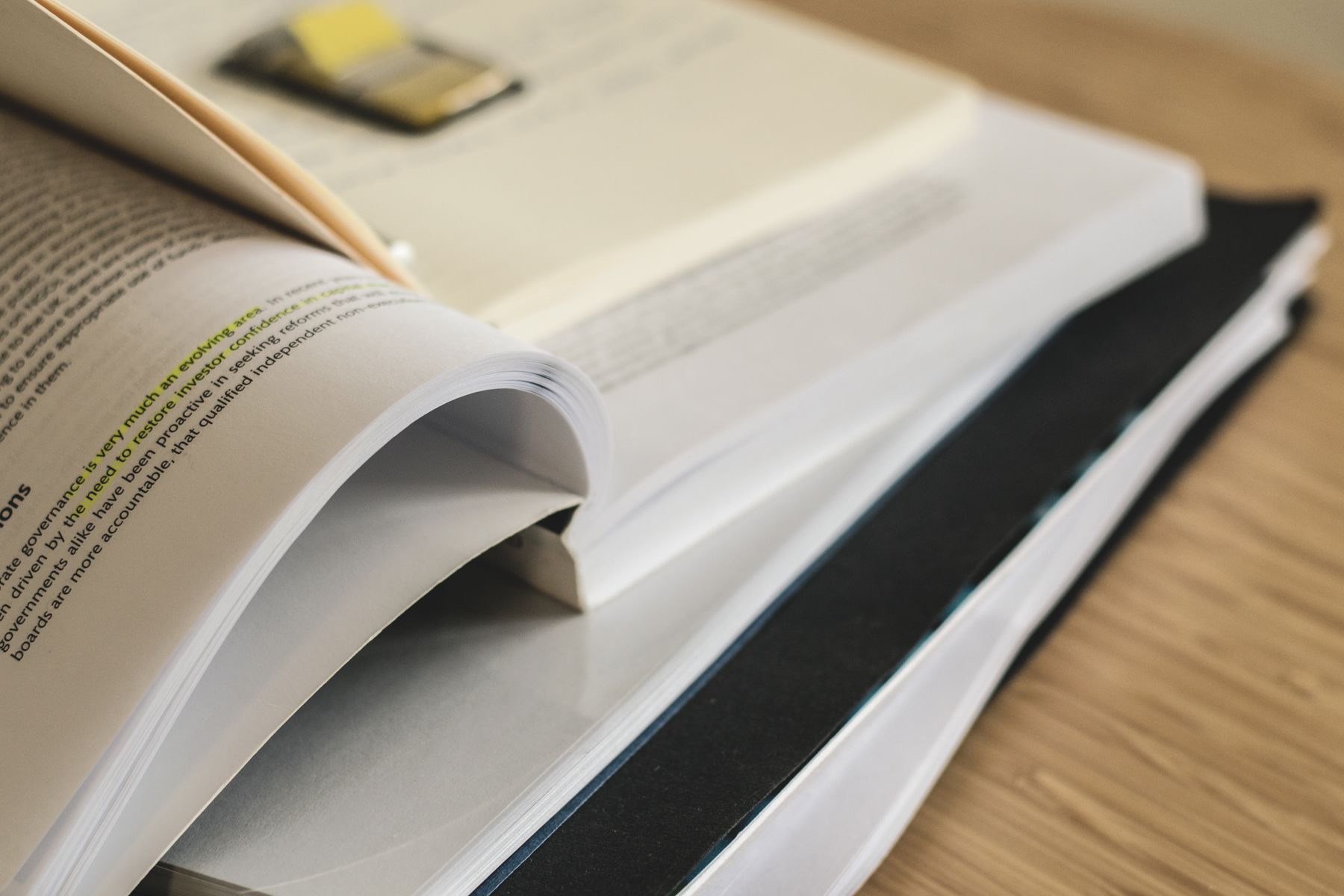
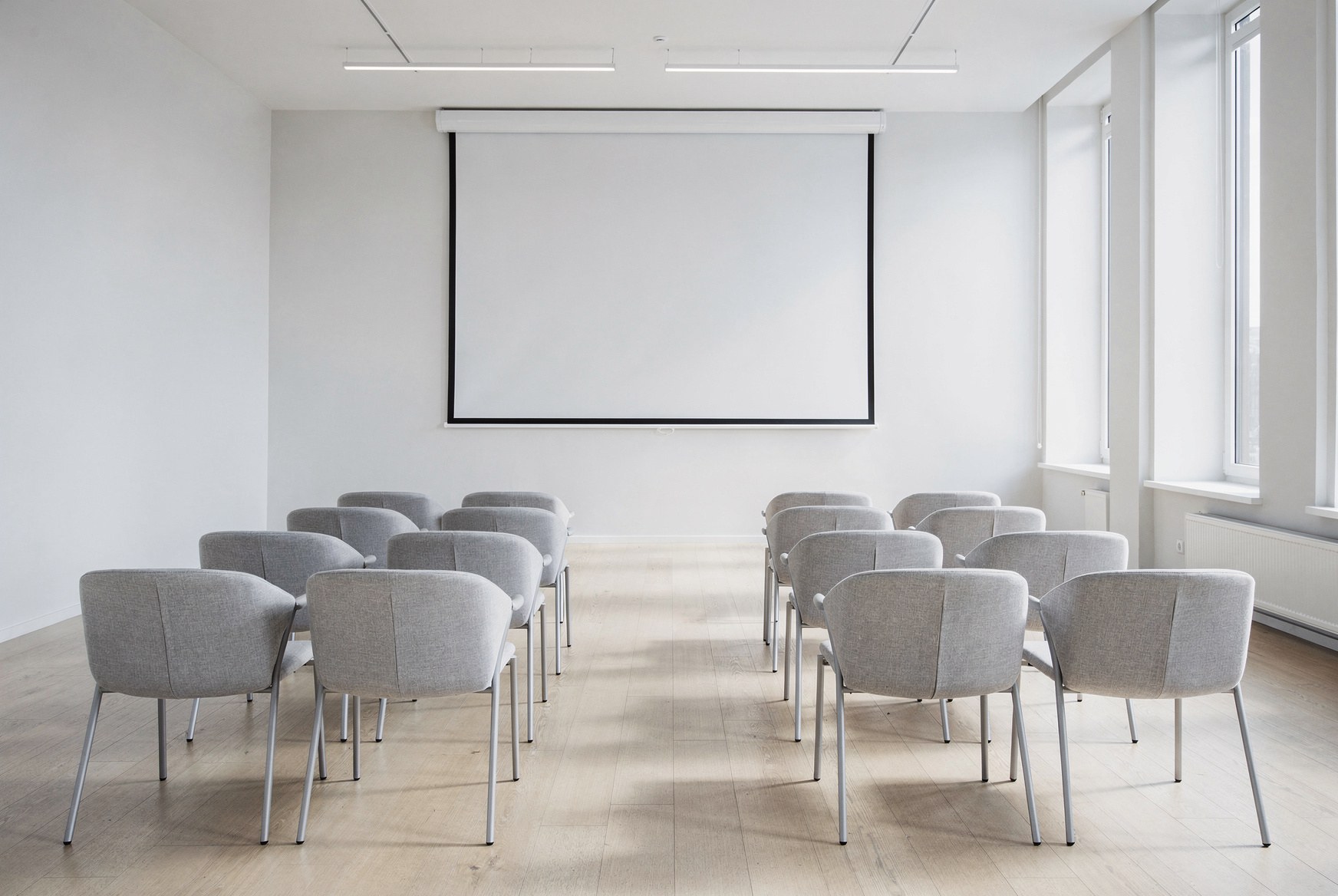
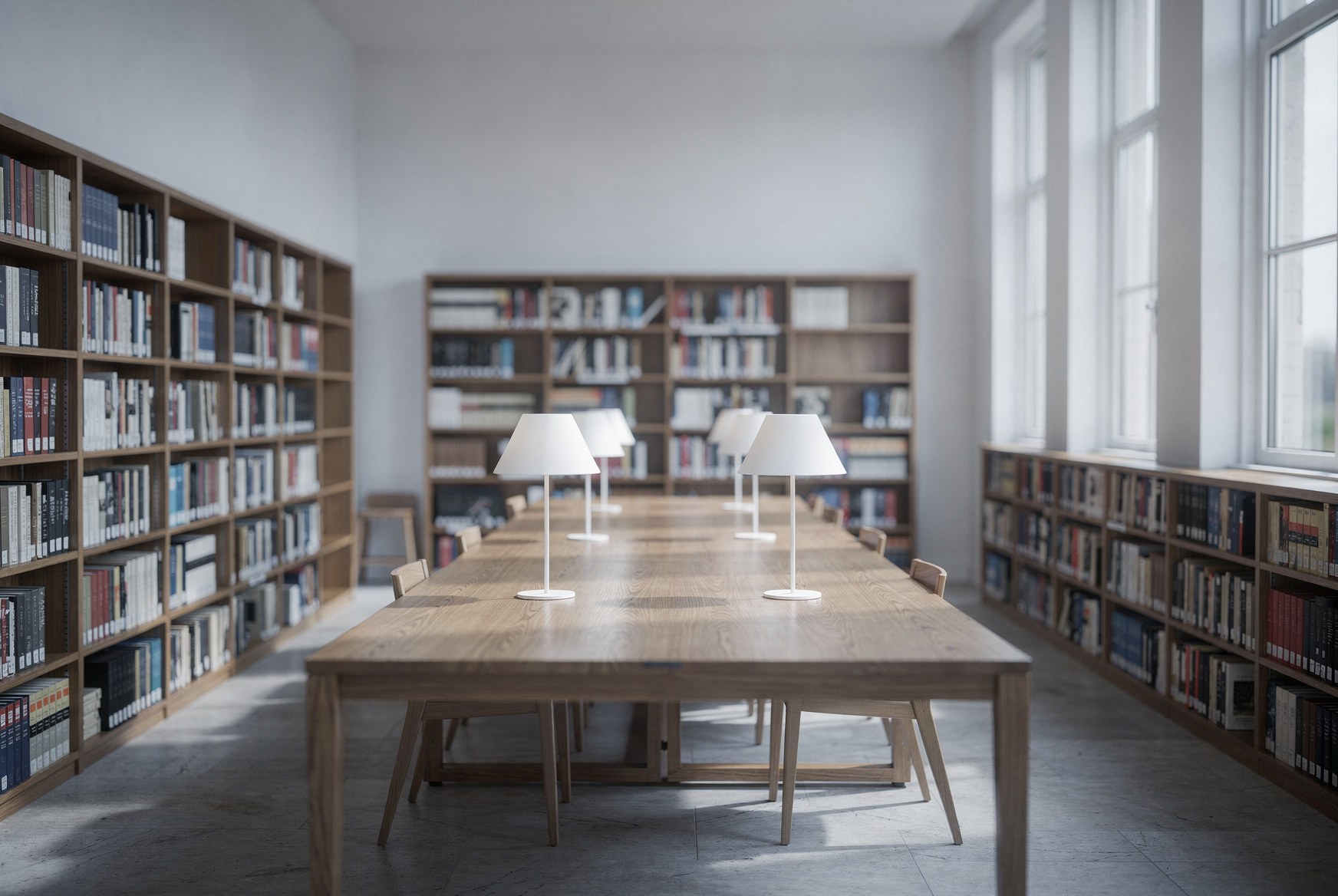
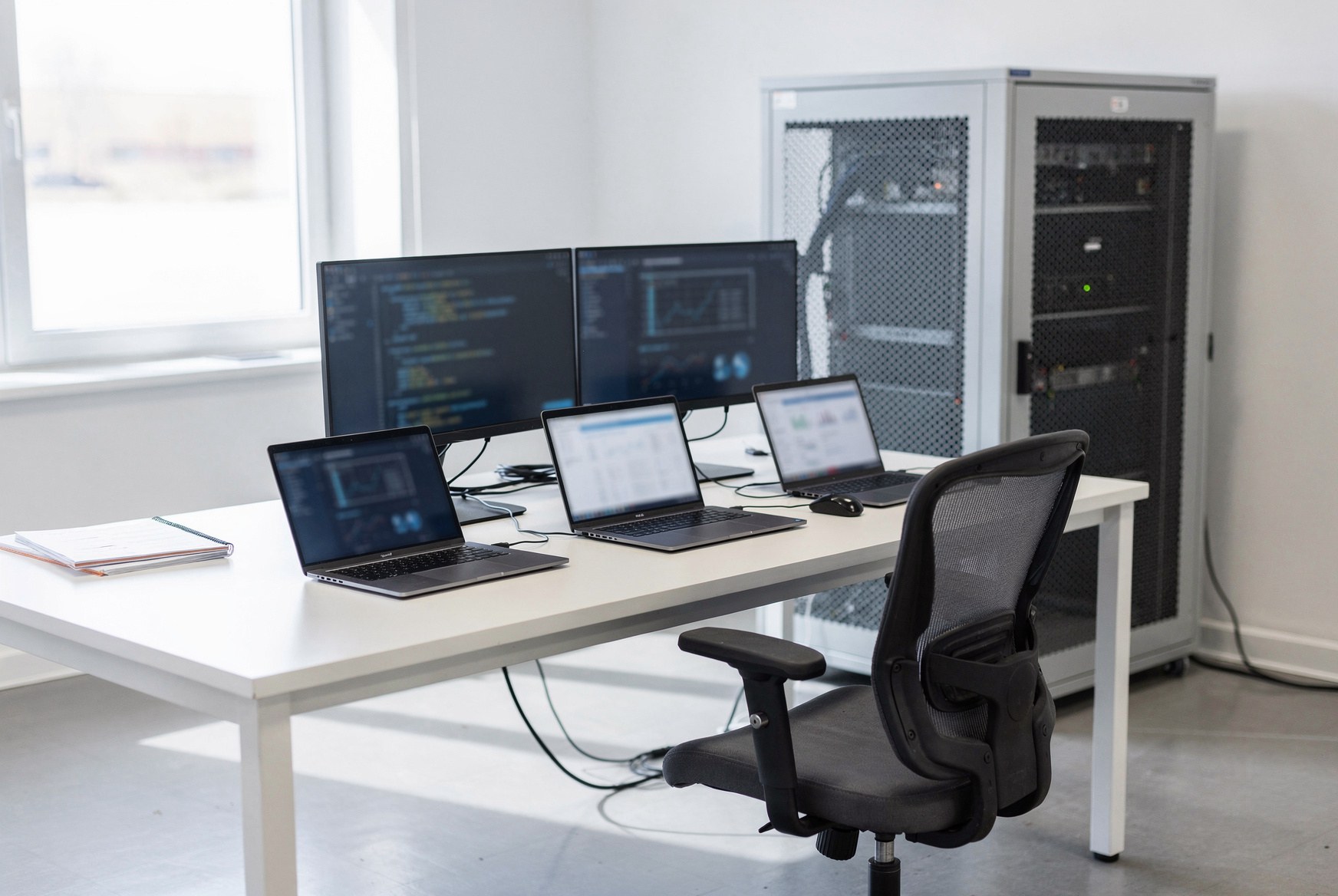
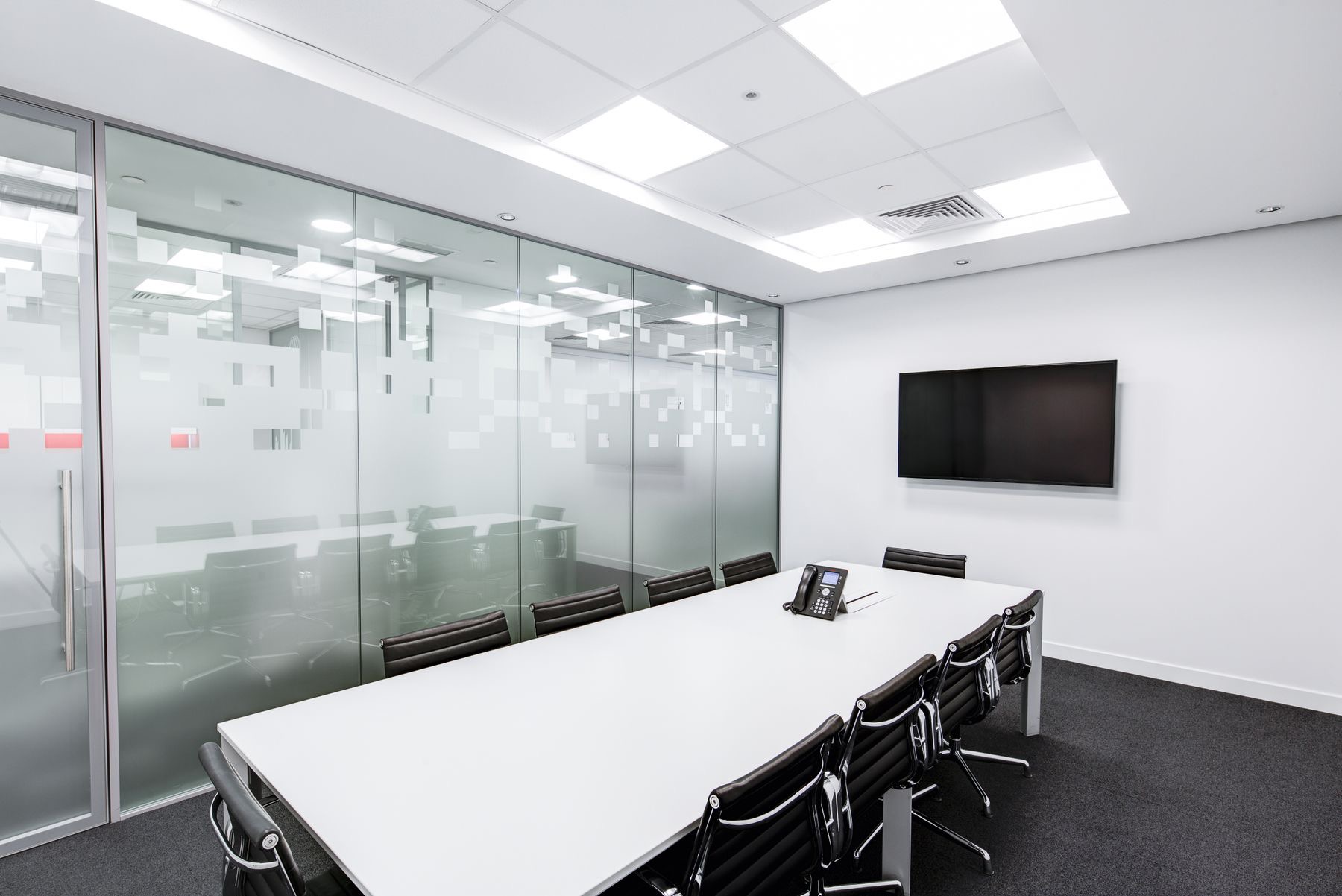
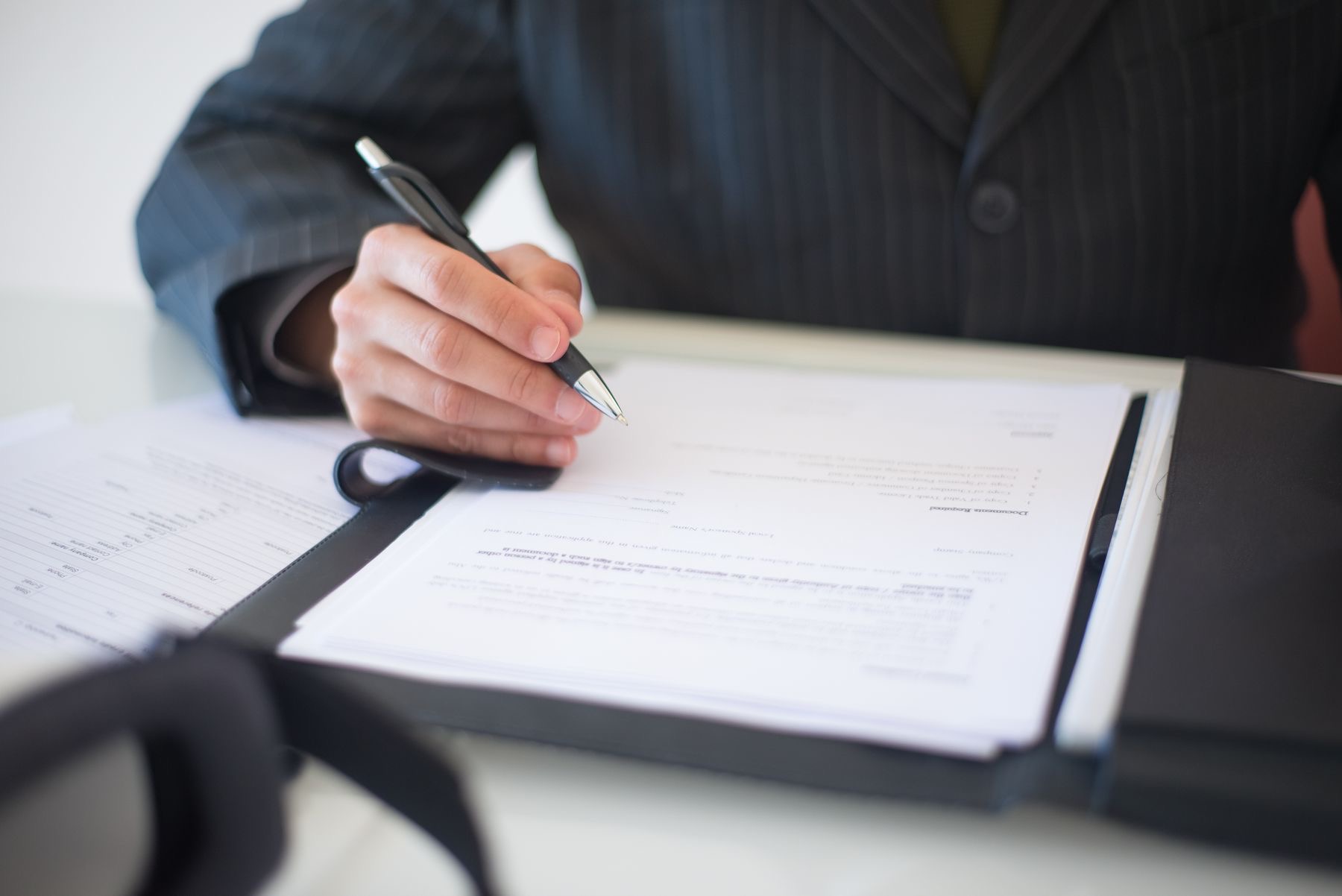
Photographs in the Centre's materials show the environment in which expert work is carried out: buildings, halls and meeting rooms, libraries, documents, workplaces and engineering infrastructure. A photograph reports on the subject of a publication calmly and precisely, without illustrative metaphors. A photograph must not promise more than the text next to it contains.
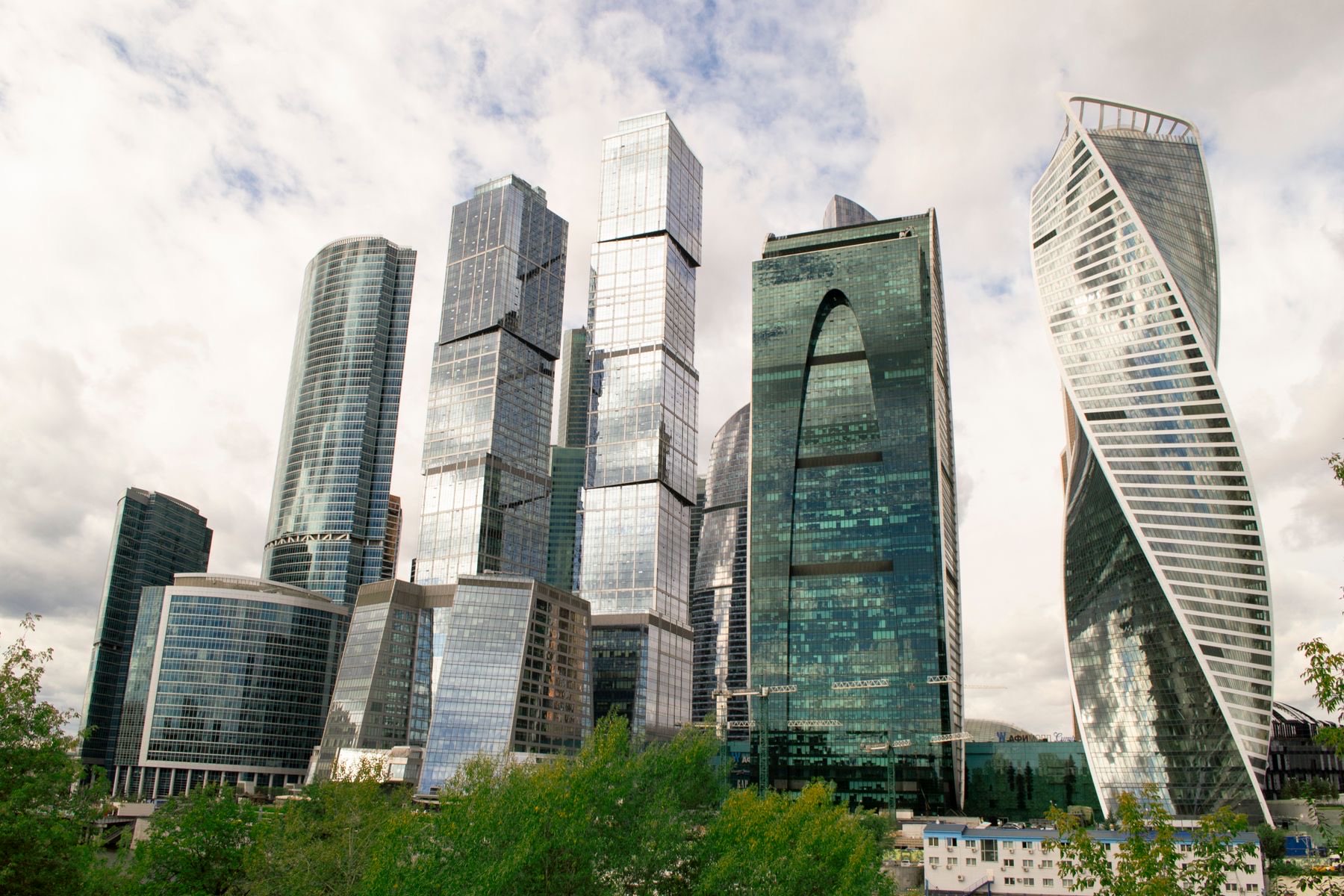
- Subjects — architecture and interiors, documents and books, workplaces, server rooms and laboratory premises, the urban environment of a business centre.
- Light — daylight or even diffused artificial light, without coloured sources, backlit neon and dramatic shadows.
- Palette — cool or neutral: white, grey, blue, natural wood. Warm tones are permitted if they are natural for the subject.
- Composition — clear, with the horizon and verticals level, with sufficient free space for cropping in different proportions.
- People — permitted in the frame as part of the environment: from behind, in motion, out of focus. Recognisable faces are not used in stock photographs, so as not to create the impression that the Centre's staff are depicted.
What is not used
- Staged handshakes, smiling groups by a laptop and other advertising scenes.
- Images of robots, a glowing brain, “digital” faces, streams of binary code and neon circuits as symbols of artificial intelligence.
- Government buildings, state symbols, flags and coats of arms.
- Photographs with logos and trademarks of other organisations, advertising signs and recognisable products.
- Images created using generative models — in reports on events, in portraits and in reportage: only photographs are used there.
Images created using artificial intelligence
Illustrations created by generative models are subject to the same rules of subject, light and palette as photographs. For images created or processed using AI, a small AI icon is used. Its tooltip and expanding panel contain a single wording: “The image was created or processed using artificial intelligence”. The panel also states the source, the licence and information about processing, if any. The created illustrations do not depict recognisable faces, existing buildings or third-party trademarks; the Centre's mark and logo are transferred onto the image from approved files rather than recreated by the model.
Cropping
One frame proportion is established for each place of use. The proportion is set when the photograph is prepared; stretching and compressing the image to fit the size of a block is not permitted. The important part of the photograph is placed in the central area, so that when the proportion changes it does not fall outside the edge of the frame.
Processing
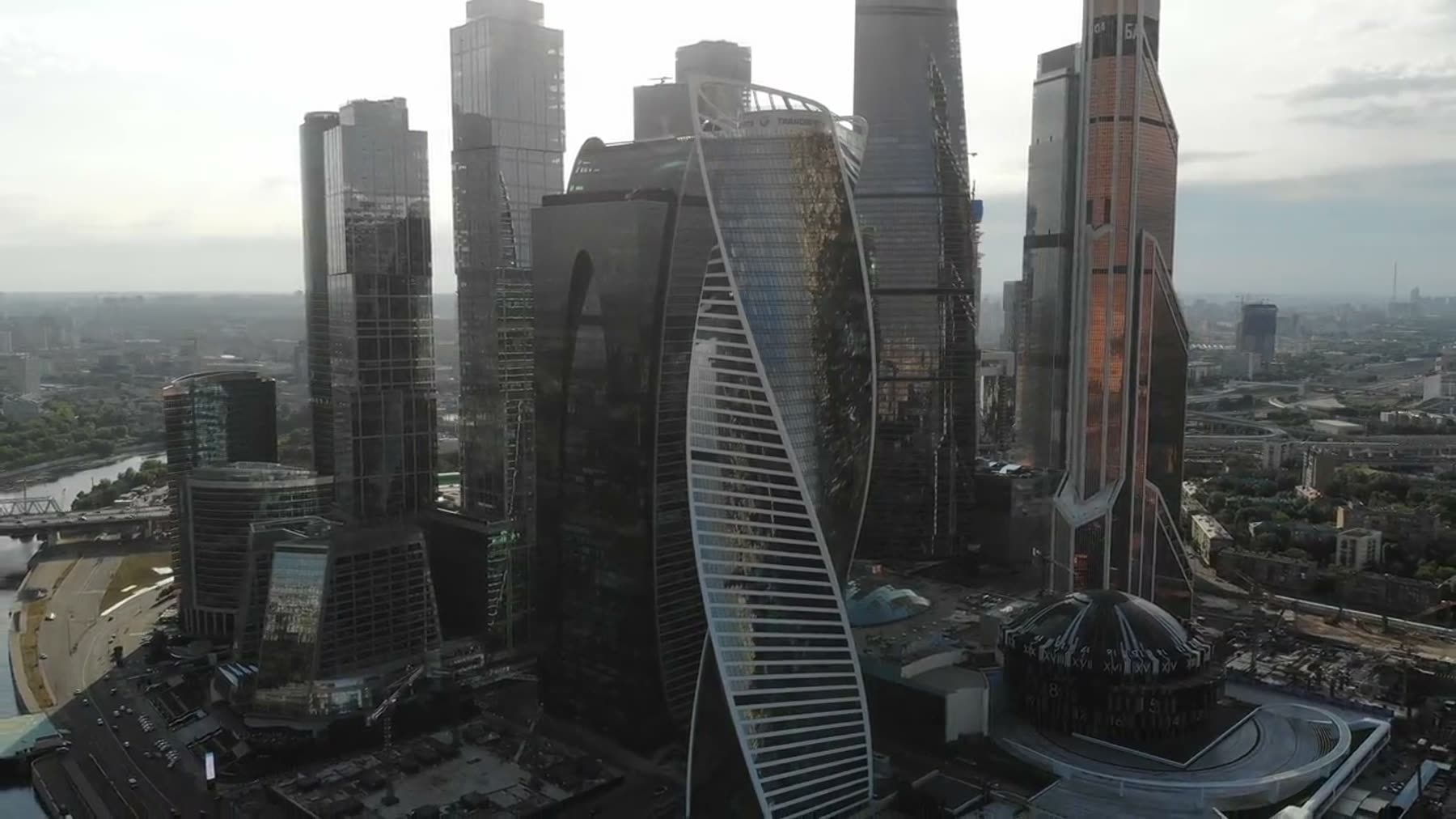
Photographs are published in natural colour. Only technical correction is permitted: levelling the horizon, white balance, exposure, removal of dust and lens flare. Saturation and contrast are not increased beyond the natural appearance of the subject.
- Filters, toning, film emulation, vignetting and background blur are not used in processing.
- Coloured overlays and gradients over a photograph are not used. The only exception is the white semi-transparent backing under the heading of the first screen of the home page, which ensures the readability of the text.
- Text is not overlaid on a photograph, except for the heading of the first screen and video covers.
- Rounding of the corners of a photograph — 8 px on the website; in printed media the corners are square.
Unacceptable processing
Portraits of staff
Portraits of the Centre's executives and staff are taken according to a single scheme, so that on the Management page they form a uniform row. Stock photographs and photographs of third parties are not used as portraits of staff. Before the photo session is held, initials are placed on the management page instead of a portrait.
- Background — plain light grey or white, without interiors or objects.
- Clothing — business, plain, without large patterns or logos.
- Framing — chest up, body slightly turned, gaze into the lens, calm facial expression.
- Lighting — one scheme for all photographs: a soft key light at 45°, a fill light from the opposite side, no colour filters.
- All staff are photographed by one photographer at one location; photographs taken in other conditions are not mixed with the main row.
- Aspect ratio — 4:5, eye line — on the upper third of the frame. Retouching is limited to temporary skin blemishes; facial features are not altered.
- Publication of a portrait is permitted only with the employee's written consent to the processing and dissemination of the image.
Captions and authorship
Every photograph is accompanied by a caption if its content is not obvious from the heading, and always by information about the author or source in an information icon. The caption is set in the body text font at 14 px in the secondary colour under the photograph, without italics or bold.
- The caption describes what is depicted rather than repeating the heading: “A meeting room with a long table and glass walls”.
- The author, source and licence are indicated in an information icon in the upper right corner of the image: the © icon — for photographs. The information opens when the icon is clicked; it is not placed in the permanent caption under the image. For stock photographs, the author and the name of the stock photo library are indicated.
- Alternative text (alt) is mandatory for every photograph on the site and describes the content of the photograph in one phrase.
- The licence terms of each photograph are recorded in the list of image sources maintained by the press service.